04
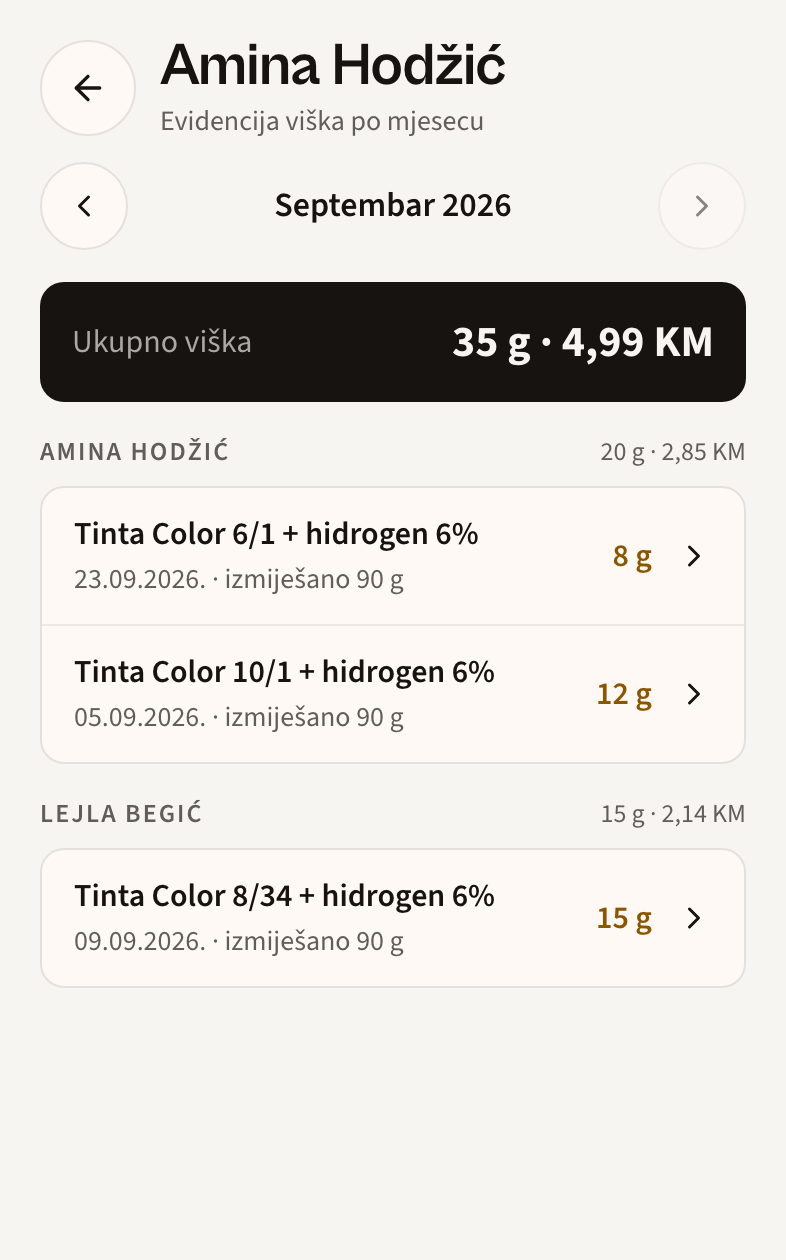
Leftovers by team member
See leftover quantities and value by team member, client and layer. Spot where to adjust the next mix.
JULIUS FOR HAIR SALONS
For partnersClient formulas, material costs and stock. Connected through every service, on the phone you already have.
Start with a conversation. No commitment.
LESS TO REMEMBER. MORE IN VIEW.
From “the same colour as last time” to “what do we need for Monday?”. Julius keeps the details that connect your working day.
01 / CLIENT RECORDS
Open the previous visit and repeat the service. Colours, ratios, notes and photos stay with the client — even when a colleague takes over.
02 / STOCK & PURCHASING
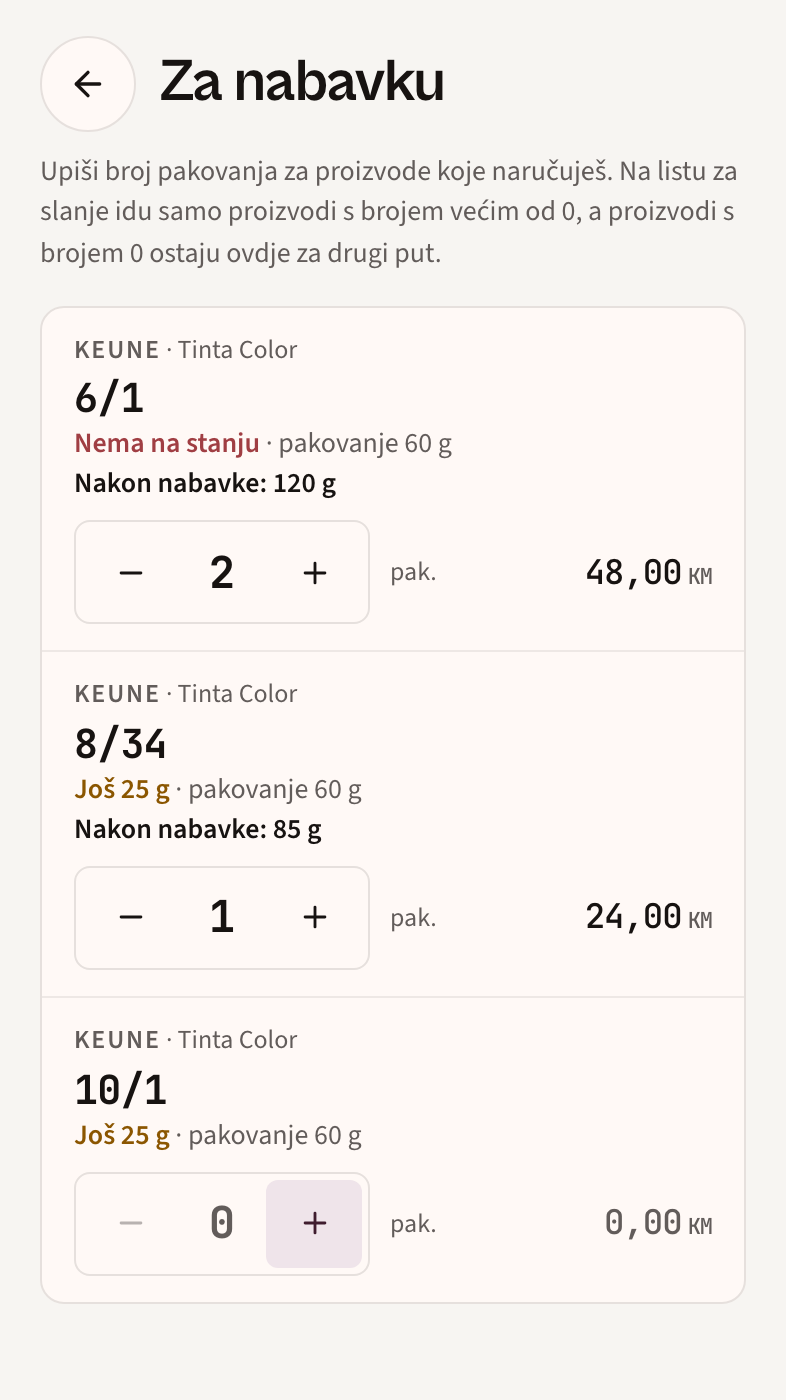
Confirmed layers deduct materials from stock. See what’s running low, choose pack quantities and prepare a list for your supplier.
03 / MATERIAL COSTS
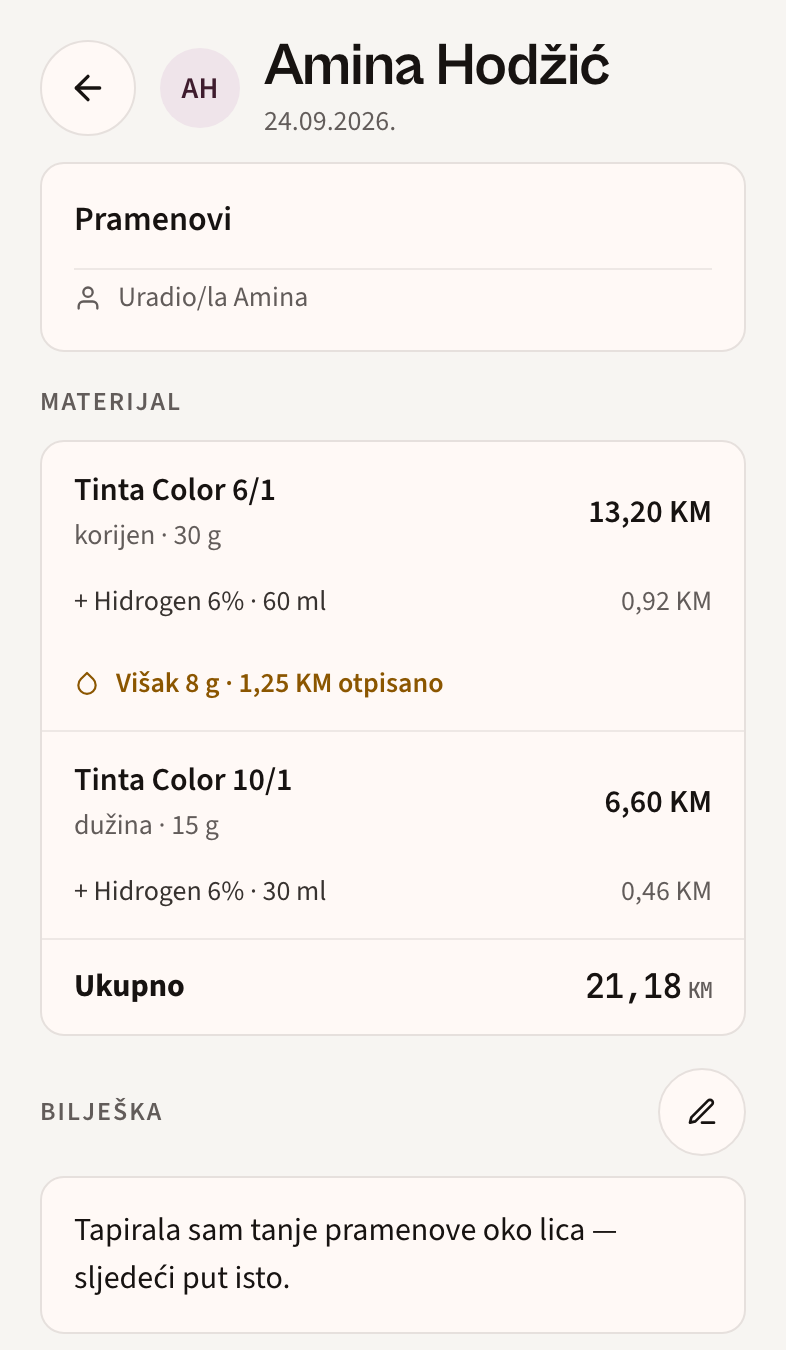
As you enter quantities, Julius calculates colour and developer costs. You can make service pricing decisions with material costs in view.
Record the leftovers. Review the monthly report to see where they recur, by service and team member.
Illustrative calculation · colour 0.40 KM/g, developer 0.014 KM/ml. Your salon uses your own prices. This is not the full service price.
THE REST OF YOUR WORKING DAY
See leftover quantities and value by team member, client and layer. Spot where to adjust the next mix.
Choose a day in the calendar to find completed services. Materials, notes and visit details stay connected.

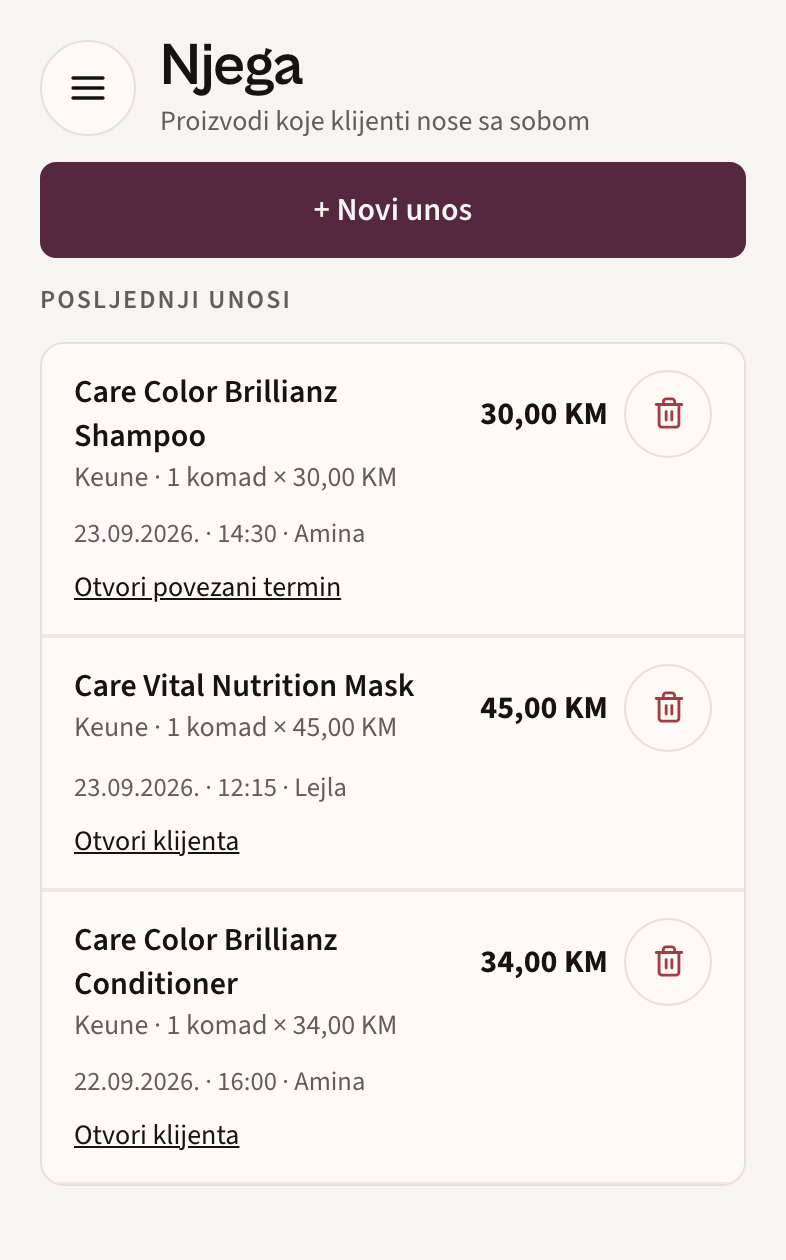
Record what the client took home, who handed it over and the price. Stock updates, and you can link the entry to a visit.
JULIUS FOR BRANDS & DISTRIBUTORS
An order tells you what a salon bought. Recorded consumption helps you understand what gets used — and where to start a conversation.
Let’s talk partnership
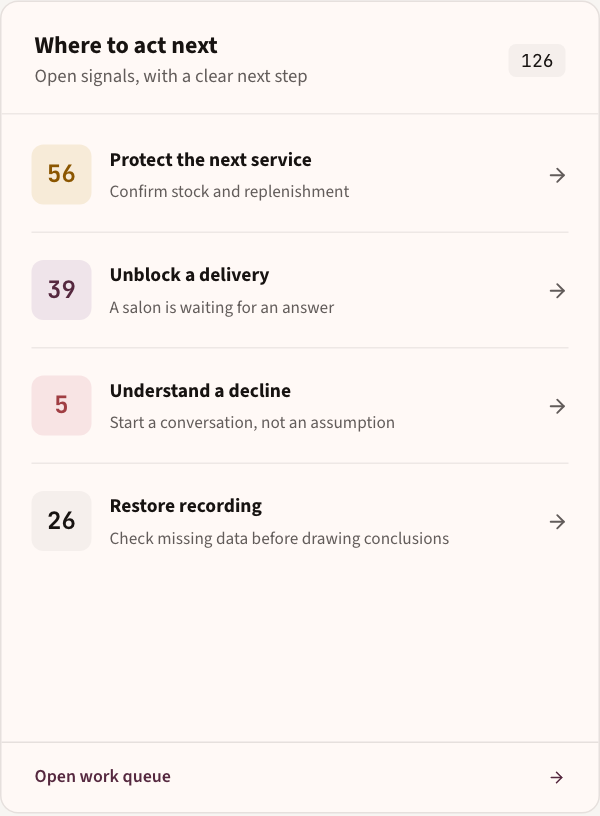
This preview uses simulated data. Salon connections, data access and the scope of collaboration are agreed as part of a pilot.
See changes in recorded product and category use.
Review low stock signals and changes in salon usage.
Assign a follow-up, record the conversation and track its status.
We’re planning summaries of changes and suggestions to investigate: which salon to contact, which product to discuss, and the data behind each suggestion.
Leave your salon name, your name and email. We can go through the rest together.
We get in touch and prepare the starting catalog around the brands you use.
Julius runs in the phone, with no app store install. If you get stuck we help with the first entry.
BEFORE WE GET STARTED
No. Entering a layer is designed to take seconds: choose the product, enter the quantity and ratio, then confirm. Julius calculates the cost and updates stock. Next time, repeat the saved service and adjust only what changes.
We start together. We show you the first service on your phone, using your products. Begin with the basics: client, formula and confirmation. Explore the other features gradually, when you need them.
Yes. Client records, material costs and stock are useful even when you work alone. With a team, each person confirms their work using a PIN, and saved history helps when a colleague takes over a client.
Yes. We prepare the starting catalogue around your brands, pack sizes and prices. You choose the colour and ratio as usual, while Julius connects the quantities you enter to costs and stock.
No. Use the phone or tablet and scale you already have. Open Julius in your browser, without an app store installation, or add it to your home screen. Enter the measured quantity in the app; no special smart scale is needed.
No need. Start with the next visit: add the client and save the formula. History builds as you work, without copying old notes. We agree the starting catalogue and stock together during setup.
Our aim is to make Julius affordable for every salon, including those run by one person. You receive the exact price and terms before activation. Sending an enquiry and having a conversation carry no commitment.
A SIMPLE START
Tell us a little about your salon. We’ll show you the product and walk through the first steps together.
We agree pricing and terms before activation. Applying doesn’t commit you to anything.